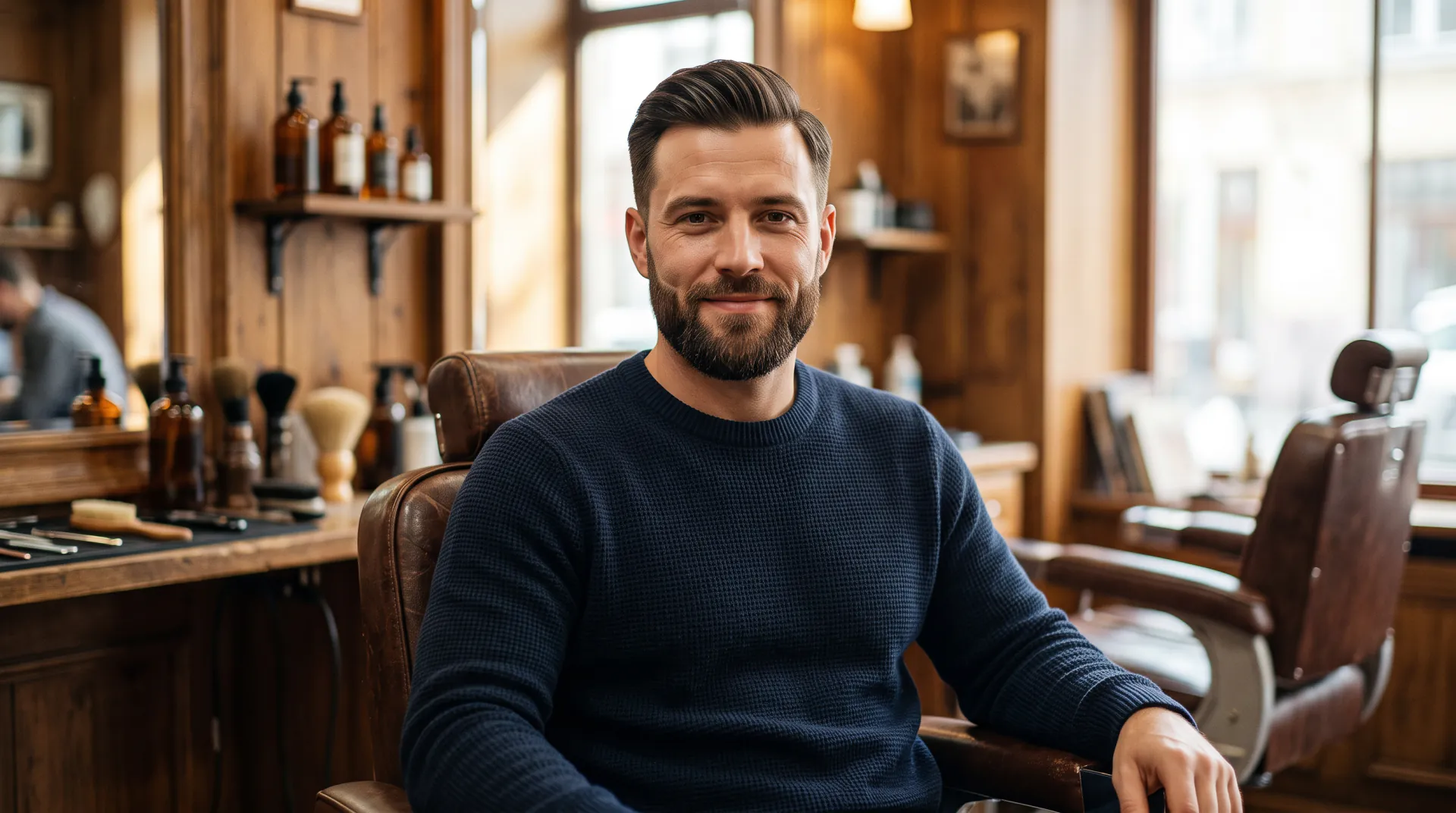
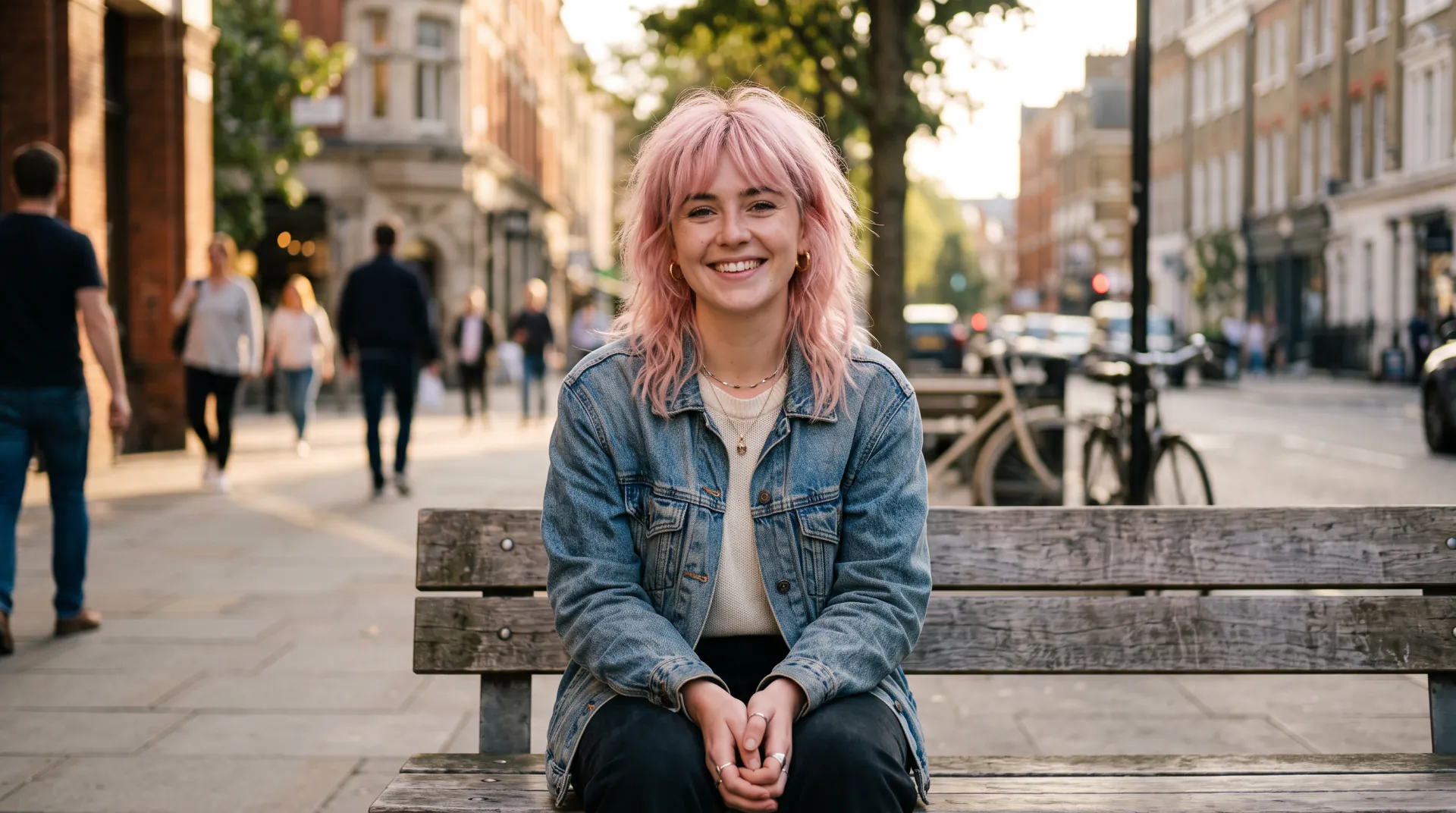



Decide before the first snip

AI haircut simulator: try a cut before you sit in the chair

Not sure what haircut suits you? Run the same selfie through a short, a medium and a long cut, compare the results side by side and walk into the salon with a picture.

  • Same photo, different cuts
  • Short, medium and long
  • Bring it to your stylist
Your selfie first; optionally a second photo of a hairstyle to copy. Adults only. PNG, JPEG or WebP, 10 MB each.
Styles
Model
Shape
Resolution
Variations

20 credits

Buy credits

Add a selfie to try a hairstyle

At a glance

The AI Hairstyle Changer haircut simulator previews a new cut on your own selfie. Upload one photo, generate the cuts you are considering one at a time, such as a pixie, a lob, curtain bangs or a low fade, and compare them in your history. Each simulation costs 20 credits with Preview or 45 with Detail, and the brief keeps your face and background, so only the hair changes. Registration is free; images use purchased credits.

Best for
Comparing a few cuts on the same photo before an appointment
Price per image
20 credits with Preview, 45 with Detail
A shortlist of 3
60 credits with Preview, about $0.52–$0.75
Account
Free account; every image uses purchased credits

How the haircut simulator helps you decide

  • 01

    One photo, many cuts

    Keep the same selfie and change only the request, so every difference you see comes from the haircut.

  • 02

    Length, shape and fringe

    Simulate the choices stylists ask about most: how short, how layered, and whether to add bangs.

  • 03

    Your color stays

    Add “same color” and the simulation keeps your current shade, so you judge the cut alone.

  • 04

    A picture for the salon

    Download the version you like and show it at your appointment; it says more than a description.

How to simulate a haircut

  1. 01

    Upload your current look

    A recent, front-facing selfie with your hair down and visible from the top of your head to the ends.

  2. 02

    Run your shortlist

    Generate each cut you are considering, one request at a time, with the same model and shape.

  3. 03

    Compare, then book

    Open the results in your history, compare them side by side and take your favorite to your stylist.

What haircut suits me?

There is no single answer, but a few things decide most of it: your hair's texture and density, how much time you spend styling, the proportions of your face and neck, and how the cut will grow out. A simulation on your own photo lets you test those trade-offs visually instead of guessing.

A useful method is to simulate three lengths of the same idea, for example long layers, a shoulder-length lob and a chin-length bob, and notice at which length you start to like or dislike it.

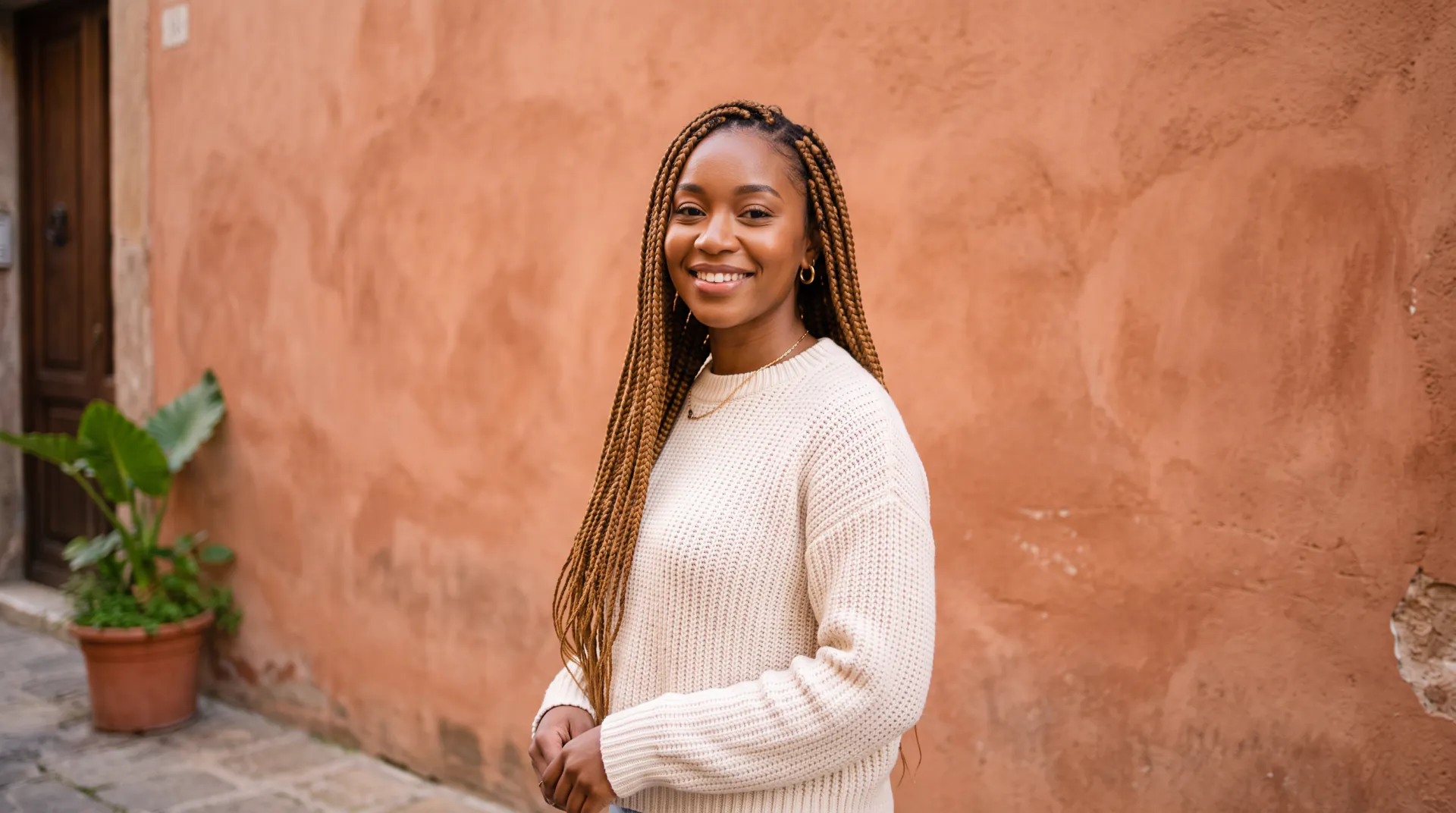
Questions to ask your stylist

Take your favorite simulation along and ask:

  • Will my hair texture hold this shape without daily heat styling?
  • How often will this cut need a trim to keep its shape?
  • What will it look like after a month of growth?
  • Should we go shorter in steps instead of all at once?
  • Do bangs work with my cowlicks and hairline?
  • Which products will I need to style it like the picture?

The limits of a simulation

The simulator shows a styled, finished look in the light of your photo. Real hair has cowlicks, density and texture that a picture cannot fully predict, and everyday styling rarely looks like a fresh blowout. Use the preview to choose a direction, then let your stylist adapt it to your hair.

Haircut simulator FAQ

How accurate is an AI haircut simulator?

It is a realistic illustration, not a measurement. It is good at showing length, shape, fringe and the overall look on your face; it cannot know your hair's density, cowlicks or how it behaves after washing.

Can I try on a hairstyle virtually?

Yes. The simulator is a virtual hairstyle try-on for an uploaded selfie. It edits a still photo rather than a live camera view, so the new hair is shaded to your photo's light.

How many cuts should I compare?

Two to five is usually enough. A shortlist of 3 Preview simulations costs 60 credits; generate them with the same photo and shape so the comparison is fair.

Is the haircut simulator free?

Registration is free; each simulation uses purchased credits (20 for Preview, 45 for Detail). The guides and the hairstyle catalog are free to read.

Can my stylist recreate the picture?

Often a close version, if your hair type allows it. Show the image, explain what you like about it, and ask what will look different on your hair.

Walk into the salon with a picture

Upload a selfie and simulate your shortlist. Generation uses purchased credits; packs start at $4.99.

Last updated October 29, 2026

Create your free account